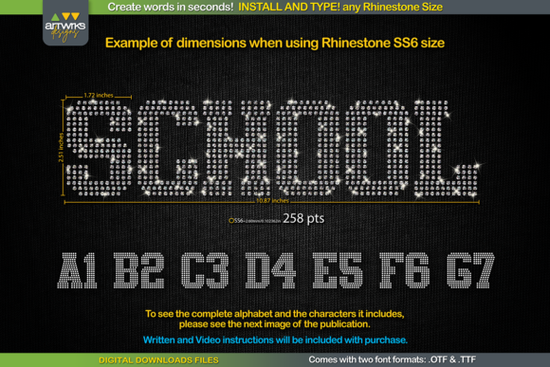
If you work with rhinestones or heat transfer vinyl, you already know how time-consuming it is to arrange letter templates by hand. The RS02 Atletico TTF RHINESTONE Template Font solves that problem by letting you simply type a word and have every letter automatically filled with a rhinestone pattern. You install it like any regular font, type what you need, and send the design to your cutter. It works with popular software like Cricut Design Space, Silhouette Studio, Inkscape, and Illustrator.
This is a digital download, so you get access to both .TTF and .OTF file formats right after purchase. Whether you're running Windows, Mac, iPad, or iPhone, the font installs and works without any extra plugins or converters.
What Makes This Rhinestone Template Font Different?
Most rhinestone templates come as static SVG or vector files. You're stuck with whatever word or phrase the designer included. A typeable rhinestone font gives you full creative freedom type any word, name, slogan, or phrase on the spot. Each letter in the Atletico slab serif font is carefully designed so the rhinestone holes are properly spaced, trapped, and ready to cut.
The font includes uppercase and lowercase letters along with numbers and common characters, all arranged so stones sit cleanly without overlapping or gaps. You can check the exact letter dimensions in the product listing images before buying.
How Do You Use a TTF Rhinestone Template Font?
The process is straightforward. Here's a step-by-step breakdown:
- Close your design program before installing.
- Unzip the downloaded file.
- Open the .TTF file and click Install, or right-click and select "Install for all users."
- Reopen your design program.
- Type your word and select the rhinestone font from your font list.
- Adjust the font point size based on the stone size you're using (see below).
- Send the template to your cutting machine and you're done.
That's it. No tracing, no manually placing circles. Just type and cut.
What Font Size Should You Use for Each Rhinestone?
This is one of the most common questions, and getting the size right matters. If the point size is off, the holes won't match your stones. Here are the recommended settings:
- SS6 stones: 189 pt
- SS10 stones: 241 pt
- SS16 stones: 295 pt
- SS20 stones: 388 pt
These sizes ensure each hole fits the stone cleanly. If you're working in Cricut Design Space, note that the software sometimes doesn't hold the exact point size as it did in earlier versions. The product includes instructions for working around this issue, so you won't get stuck.
Who Is This Font For?
This template font is a solid fit for several types of makers:
- Small business owners selling custom rhinestone T-shirts, bags, or hats
- Crafters making personalized gifts with heat transfer vinyl or hotfix crystals
- Print-on-demand sellers who want to offer rhinestone and glitter text designs
- Hobbyists who enjoy working with their Cricut or Silhouette cutter at home
If you've been looking for a RS02 Atletico TTF RHINESTONE Template Font that works right out of the box with multiple stone sizes, this one covers the basics well. The slab serif style gives your text a bold, sporty look that works especially well for team names, school spirit wear, and athletic-themed designs.
Can You Use It With Heat Transfer Vinyl Too?
Yes. Even though the font is designed around rhinestone templates, the letter shapes are also arranged and trapped for heat transfer vinyl (HTV) projects. So if you want to cut glitter vinyl letters that look like they have a stone pattern, this font handles both workflows. You get two uses from a single download.
Quick Checklist Before You Start
- ✅ Download and unzip the file
- ✅ Install both the .TTF and .OTF versions
- ✅ Match your font size to the stone size chart above
- ✅ Test a short word first before cutting a full design
- ✅ Keep the included instructions handy for Cricut Design Space size adjustments
- ✅ Check the product images to confirm letter dimensions work for your project
Next step: If you're ready to try it, head over to the product page, grab the font, and test it with a simple two- or three-letter word on scrap material first. That way you can confirm the sizing works with your cutter before committing to a full project. Try It Free
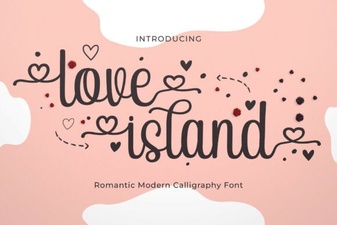 Love Island Font – Free Stylish Typeface for Bold Designs
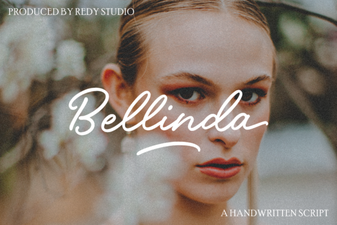 Bellinda: Elegant Modern Calligraphy Font for Creative Projects
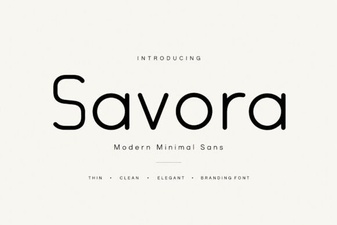 Savora Font: a Clean Modern Typeface for Creative Projects
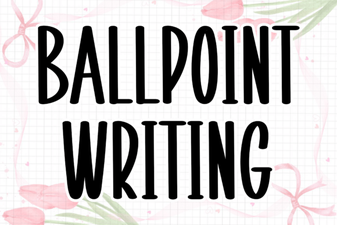 Ballpoint Writing Font: Handwritten Style for Creative Projects
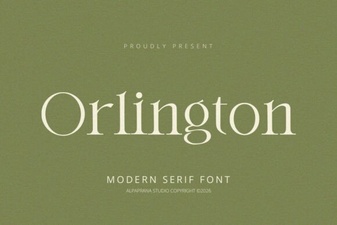 Orlington Font: Modern Typography for Creative Projects
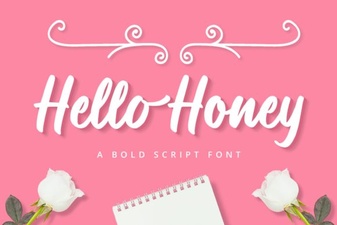 Hello Honey Font - Free Script Font Download